Basic measurement#
With the instrument tuned, you are ready to record.
-
Pick a sequence
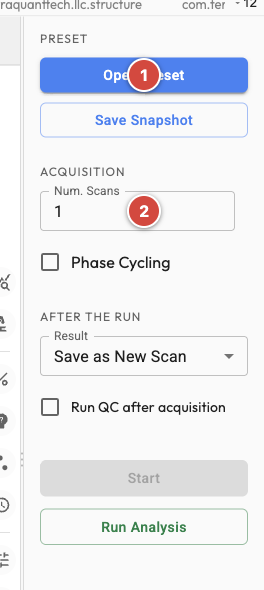
Go to the Acquisition page and press Choose experiment…. Choose a sequence — Hahn-Echo is a reasonable first one.
-
Set the run up
Set Num. Scans to the number of repetitions you want averaged. Under After the run, choose Save as new scan so the result is kept.
-
Start
Press START, or Shift+Enter. The signal appears in the plot as it arrives; switch to the Spectrum tab for the frequency domain.
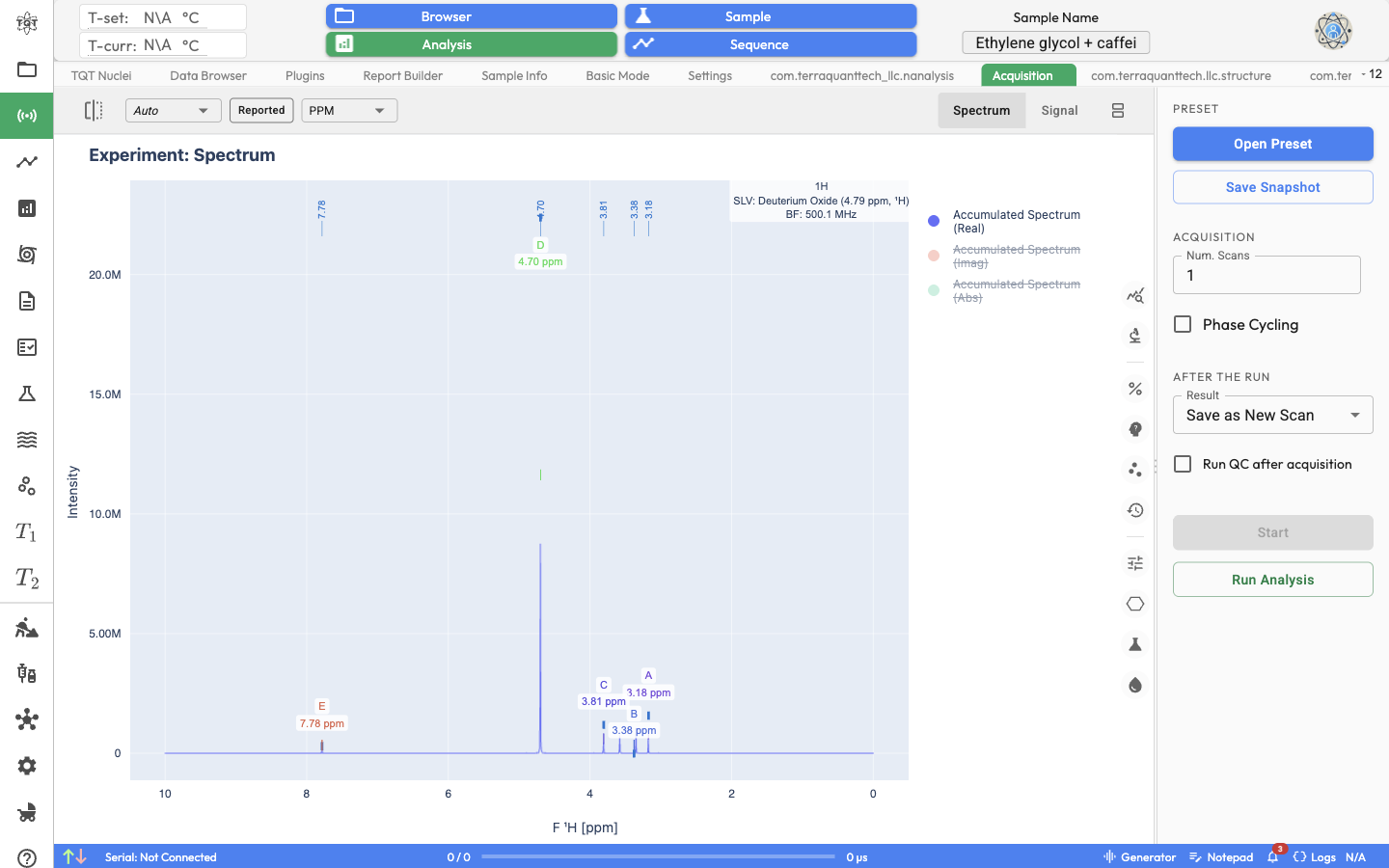
The saved scan is now in the current project, where you can find it in the Data Browser.
That is the Quick Start done. The User guide covers every page in detail — start with the spectrum view, which is where most of the analysis tools live.